


xstrive
8MP Streaming Camera — Go Live on TikTok, YouTube & Facebook in Stunning Clarity
8MP Streaming Camera — Go Live on TikTok, YouTube & Facebook in Stunning Clarity
Couldn't load pickup availability
✅ Free Shipping ✅ 30-Day Returns ✅ In Stock Now
Stop Losing Viewers to Blurry Video
Tired of pixelated streams that make you look unprofessional? This tiny 8MP wired camera plugs into any PC or Mac in seconds — and instantly upgrades your live stream quality on TikTok, YouTube, Facebook, Instagram & more.
No drivers. No setup headaches. Just plug in and go live.
✅ Why Streamers Are Switching to This Camera:
8MP Ultra HD Clarity
4x sharper than standard 1080p webcams. Your audience will notice the difference from the very first stream.
Wired = Zero Lag, Zero Dropout
Unlike Wi-Fi cameras that freeze mid-stream, our wired connection delivers rock-solid, uninterrupted broadcasts every single time.
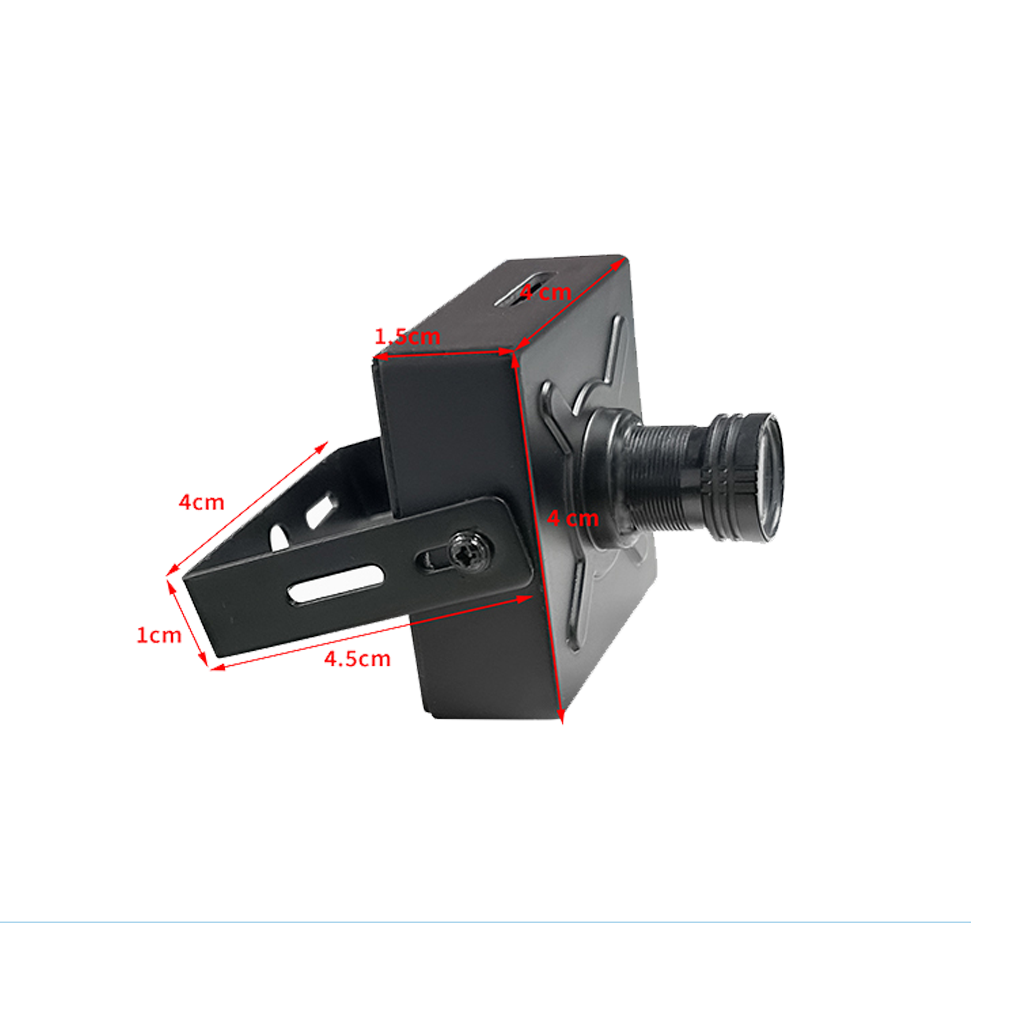
Tiny 4×4cm Body
Smaller than a golf ball. Sits perfectly on your monitor, desk, or tripod without cluttering your setup.
Works on Every Platform You Love
TikTok Live ✓ YouTube ✓ Facebook Live ✓ Instagram ✓ Zoom ✓ Twitch ✓ OBS ✓ Microsoft Teams ✓
Plug & Play — Live in 10 Seconds
No software. No drivers. Plug into any USB port and you're live. Works on Mac and PC right out of the box.
One Camera, Every Situation
Live streaming, online teaching, video meetings, home security — one device does it all.
Perfect For:
- Gamers & Streamers who want pro-quality video without a pro price tag
- Online Teachers & Tutors who need crystal-clear video for engaged students
- Remote Workers who want to look sharp on every Zoom & Teams call
- Home Security with real-time 8MP monitoring from any screen
Note: Memory card is NOT included. Supports Micro SD cards up to 512GB.



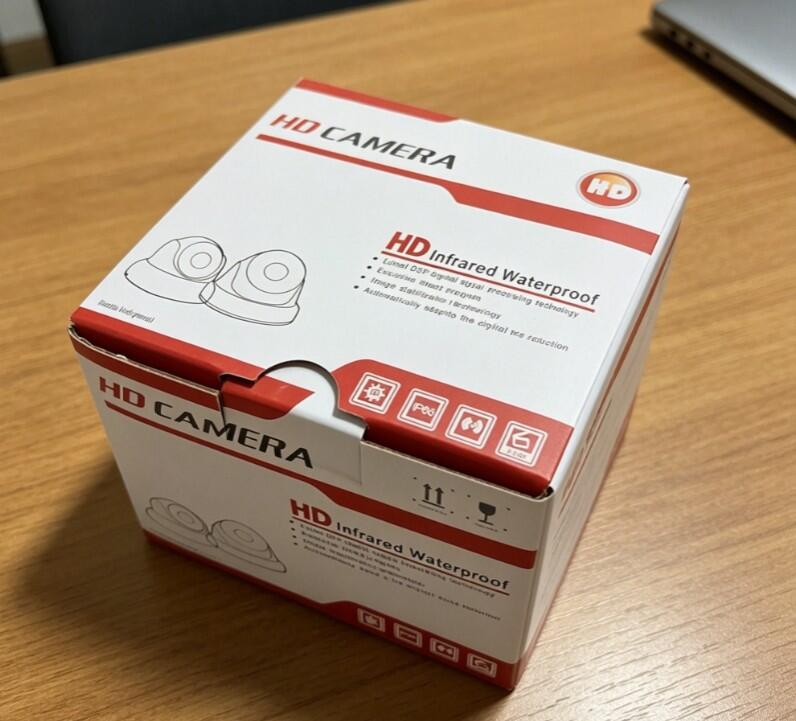
Although shipping took a bit longer than expected, I finally received exactly what I wanted. It's super compact and exactly as described!

FAQs
Does the product with a warranty?
Yes, absolutely. We stand behind our product quality. Every purchase comes with a 1-Year Risk-Free Warranty and lifetime technical support. If the hardware malfunctions due to non-human factors within 1 year, we will provide a replacement or free repair.
Where do you ship from and how long is the delivery time?
Shipped directly from our factory in Wuhan. We partner with top-tier carriers (USPS, FedEx, and UPS) to ensure your asset-protection gear arrives safely. Orders are processed within 1-2 business days. Shipping to the United States usually takes 5-9 business days, with end-to-end tracking provided via email.
Will I be charged import duties or hidden fees at checkout?
No. The price you see at checkout is final. all customs duties and import taxes are pre-paid by us. There are absolutely no hidden fees upon delivery.
Does this camera require a WiFi connection to work?
No — this camera connects via a wired Ethernet cable and does not require WiFi. This makes it ideal for live streaming and indoor security monitoring where a stable, uninterrupted connection is critical. Unlike WiFi cameras that can drop frames during network congestion, the wired connection delivers consistent bitrate throughout your broadcast.
What resolution does this camera record and stream at?
The camera captures and streams at 4K Ultra HD (3840×2160) with an 8MP image sensor. This resolution delivers sharp, detailed footage whether you're using it for home security monitoring or live broadcasts on YouTube and Facebook. Viewers watching your stream can see clear details even on larger screens.
Can I use this camera for church or worship live streaming?
Yes — this is one of the most common use cases for this camera. Many churches and worship groups use it for weekly Sunday service broadcasts on YouTube Live or Facebook Live. The wired connection ensures no mid-service dropouts, and the built-in RTMP support eliminates the need for a separate streaming encoder, keeping setup costs low for volunteer AV teams.
How do I set up RTMP streaming to YouTube Live?
Setup takes under 10 minutes: (1) Connect the camera to your router via Ethernet cable. (2) Access the camera's settings page through your browser using its IP address. (3) Navigate to the Streaming section and select RTMP. (4) Go to YouTube Studio → Go Live → copy your Stream URL and Stream Key. (5) Paste both into the camera's RTMP fields and click Start. Your camera will begin broadcasting to YouTube immediately.